Secrets 4.6: Apple Watch & iPhone Duo
At last, your secrets can now live on your wrist as well. Secrets 4.6 includes an Apple Watch app! 🎉
This has been an often requested addition to Secrets, and I'm very happy to finally put your most important items — and verification codes — within easy reach on your watch.
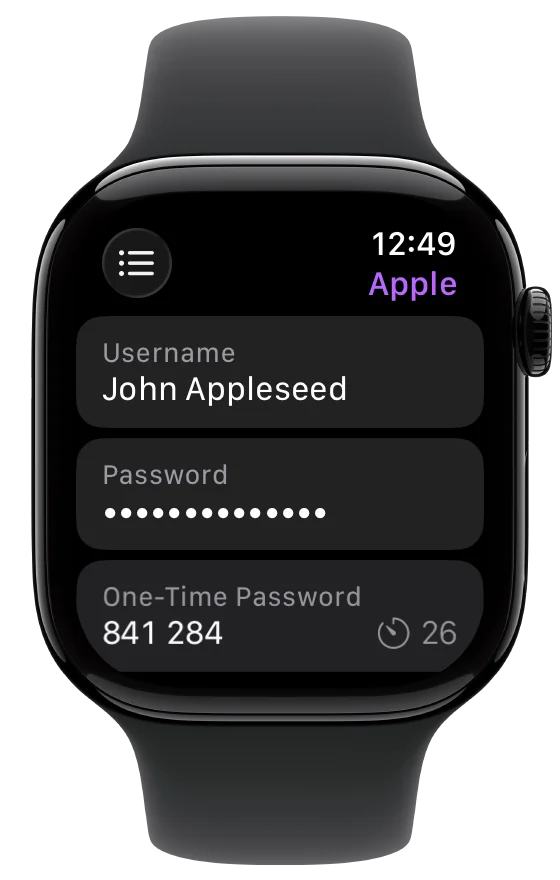
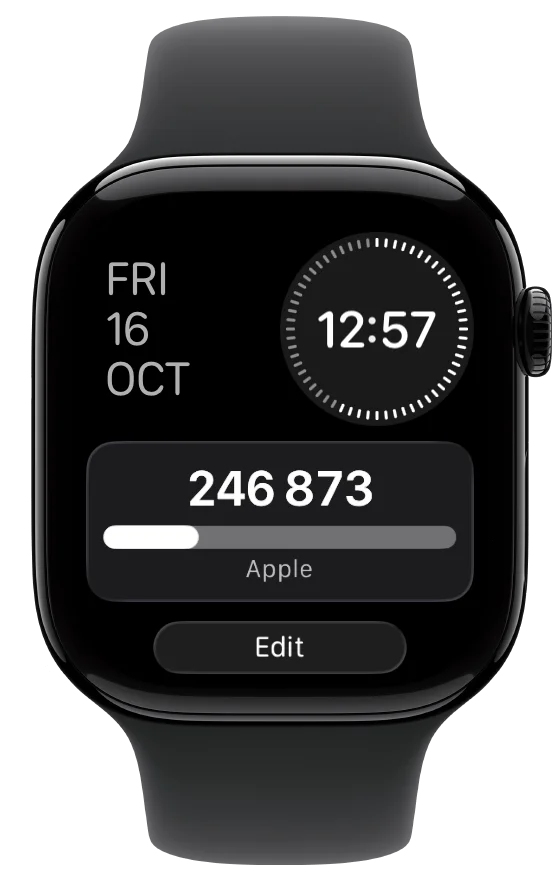
Your important items and verification codes, right on your wrist.
Secrets on your wrist
The Watch app is designed to keep a selected subset of your items close at hand, rather than create a complete copy of everything stored in Secrets. You can choose specific items for each Watch or have it sync your current favorites.
This is both more useful and more appropriate for a device you wear. The items you need while away from your iPhone may be very different from the full collection you keep in Secrets.
The security of those items is also independent of the unlock settings you've configured for Secrets on iPhone. While the main app offers several unlock options, the Watch app relies on its own device-local encryption key stored in the Keychain. watchOS protects access to that key using your Watch passcode, and Secrets data is only available while the Watch is unlocked.
Once transferred, your selected items remain available without your iPhone nearby. You can read usernames, passwords, notes, payment details, software licenses, and other supported fields directly from the Watch app.
Verification codes in the Smart Stack
Many of you asking for an Apple Watch app mentioned one use case in particular: quickly displaying one-time passwords.
So we also made a widget for the Watch's Smart Stack. You can configure it with an OTP stored in Secrets and bring up the current verification code without first navigating through the app. It's an easy way to keep frequently used codes readily accessible — just raise your wrist, open the Smart Stack, and there it is.
Like the Watch app itself, the widget only displays Secrets data while the Watch is unlocked.
iPhone Duo support
Secrets 4.6 also adds support for iPhone Duo, just in time for the first devices to start arriving in customers' hands. If you've ordered one, Secrets will be ready to come along as you settle into your new iPhone.
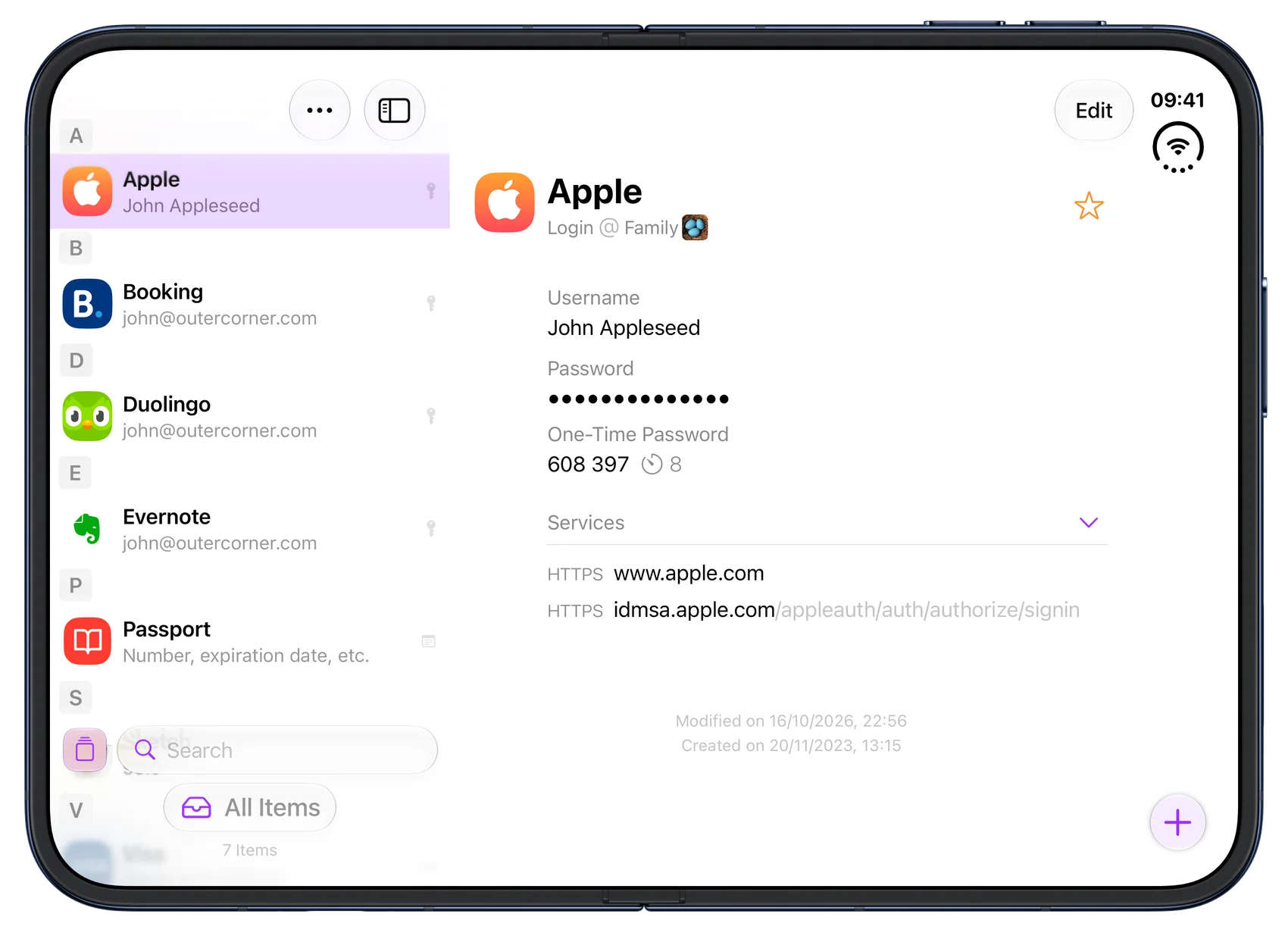
Secrets makes room for your items on iPhone Duo's unfolded display.
Faster iCloud syncing
Secrets 4.6 also contains improvements to the speed and memory usage of syncing iCloud vaults. Syncing now does less work and uses less memory, making the process more efficient — particularly when bringing a lot of changes up to date.
That's it for this update. I hope Secrets on Apple Watch was worth the wait! Let me know what you think 😉.